
MasterCAM Programming ( CAD & CAM )

Categories: 2.CAM
Wishlist Share

About Course

MasterCAM Programming Training

This course teaches CAM (Computer-Aided Manufacturing) programming using MasterCAM, covering both 2D and 3D toolpath strategies for CNC milling and/or turning operations. Students learn to translate part designs into efficient, production-ready G-code.

Prerequisite knowledge (recommended): Basic understanding of machining operations, G-code fundamentals, and blueprint reading.

What Will You Learn?

  • 3D Toolpaths
  • Tool Management
  • Stock Setup & Work Coordinate Systems
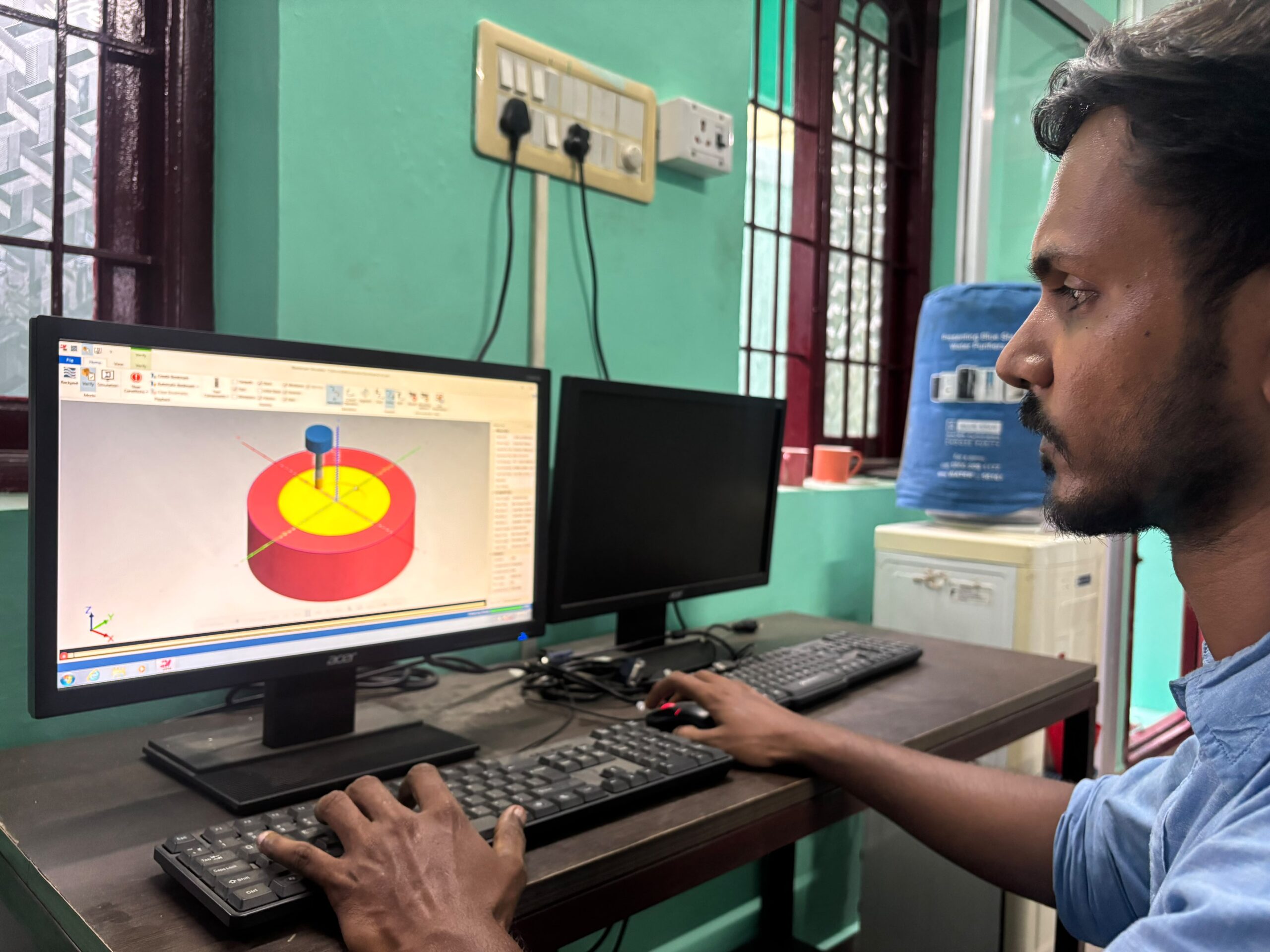
  • Toolpath Simulation & Verification
  • Post-Processing
  • Multiaxis Basics

Course Content

Mastercam interface, workspace setup, and file import (CAD models, DXF/DWG, STEP/IGES)

Stock setup, work coordinate systems, and tool/material libraries

2D toolpaths: contour, pocket, drill, face milling

3D toolpaths: parallel, scallop, pencil, blend, rest milling

Tool selection, feeds/speeds, and cutting parameter optimization

Backplotting and toolpath simulation/verification

Post-processing and generating machine-specific G-code

Collision avoidance and gouge checking

Multiaxis basics (if applicable to course level)

Real-world part programming projects